Mikko, meet your landing page magic
Princi-Pal power: build pages for schools, cities, events and businesses — found by search and AI apps.
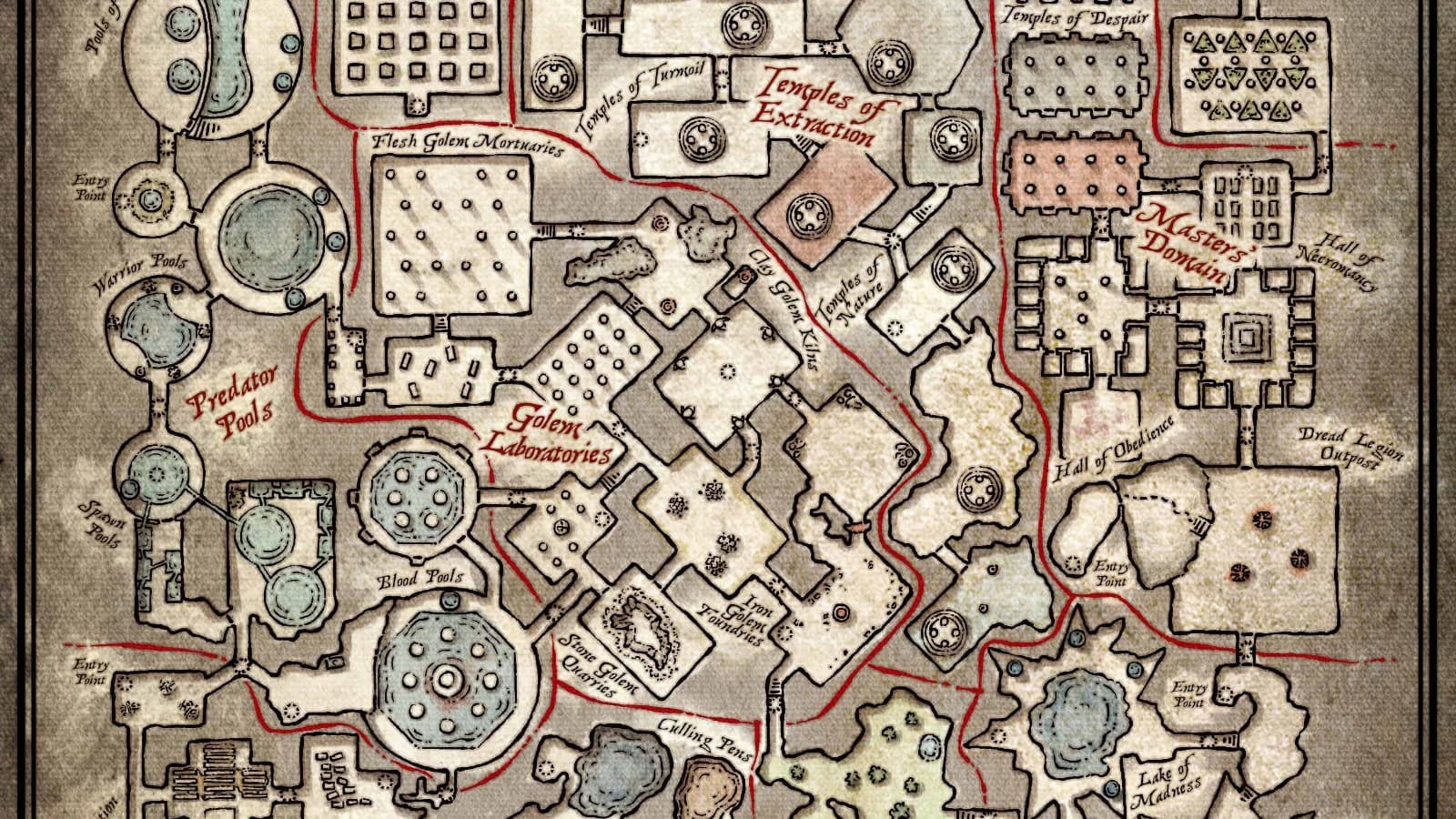
What these new tools do
The landing page MCP tools let you create, write and publish marketing pages on the public site.
- Start a page with a hero, then add text, points, steps, pictures, FAQ and a call to action
- Write each language version, check completeness, preview as an admin, then publish
- Edit structure and words separately — readers only see changes after publish
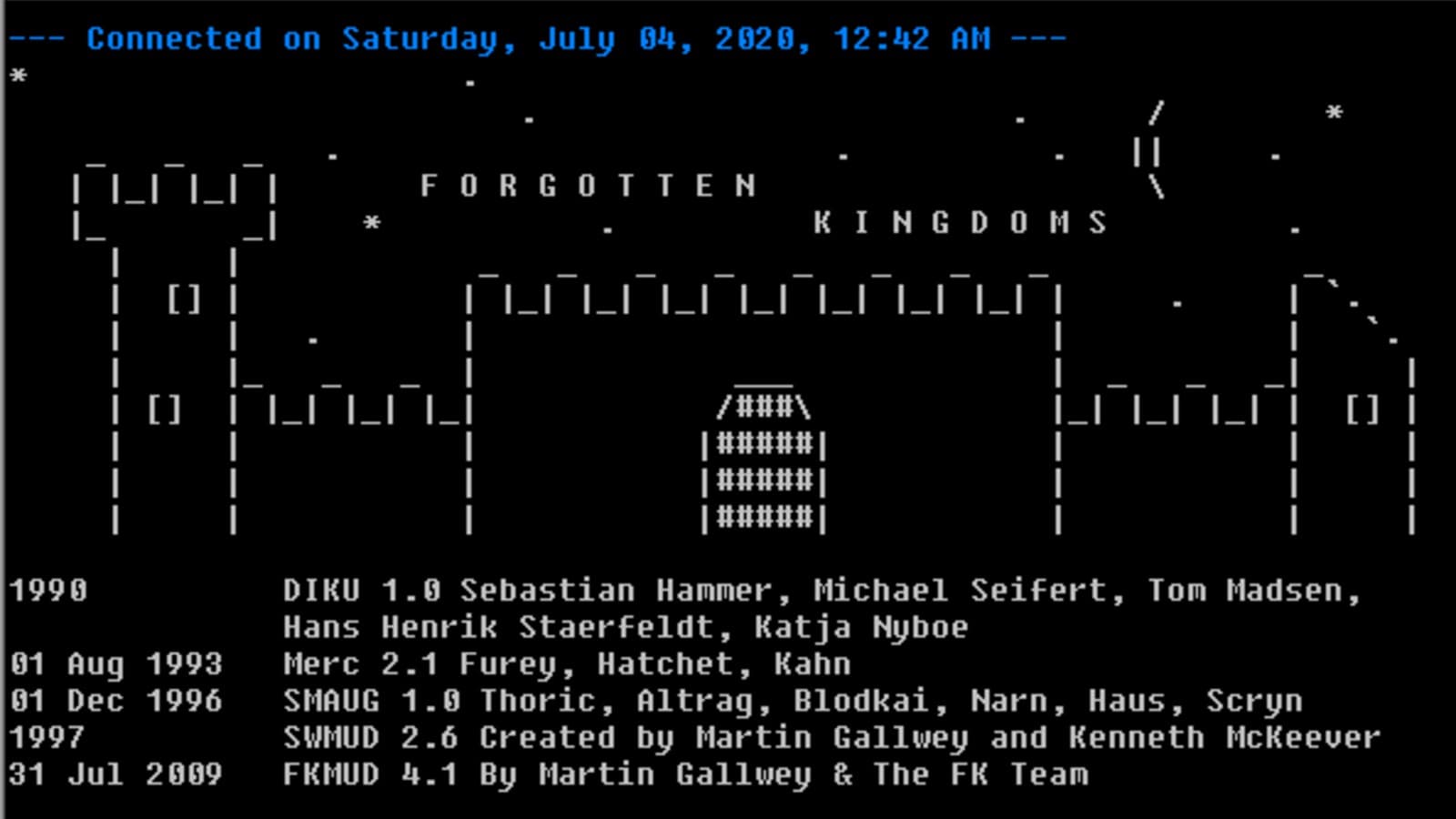
Retro gaming, Princi-Pal style
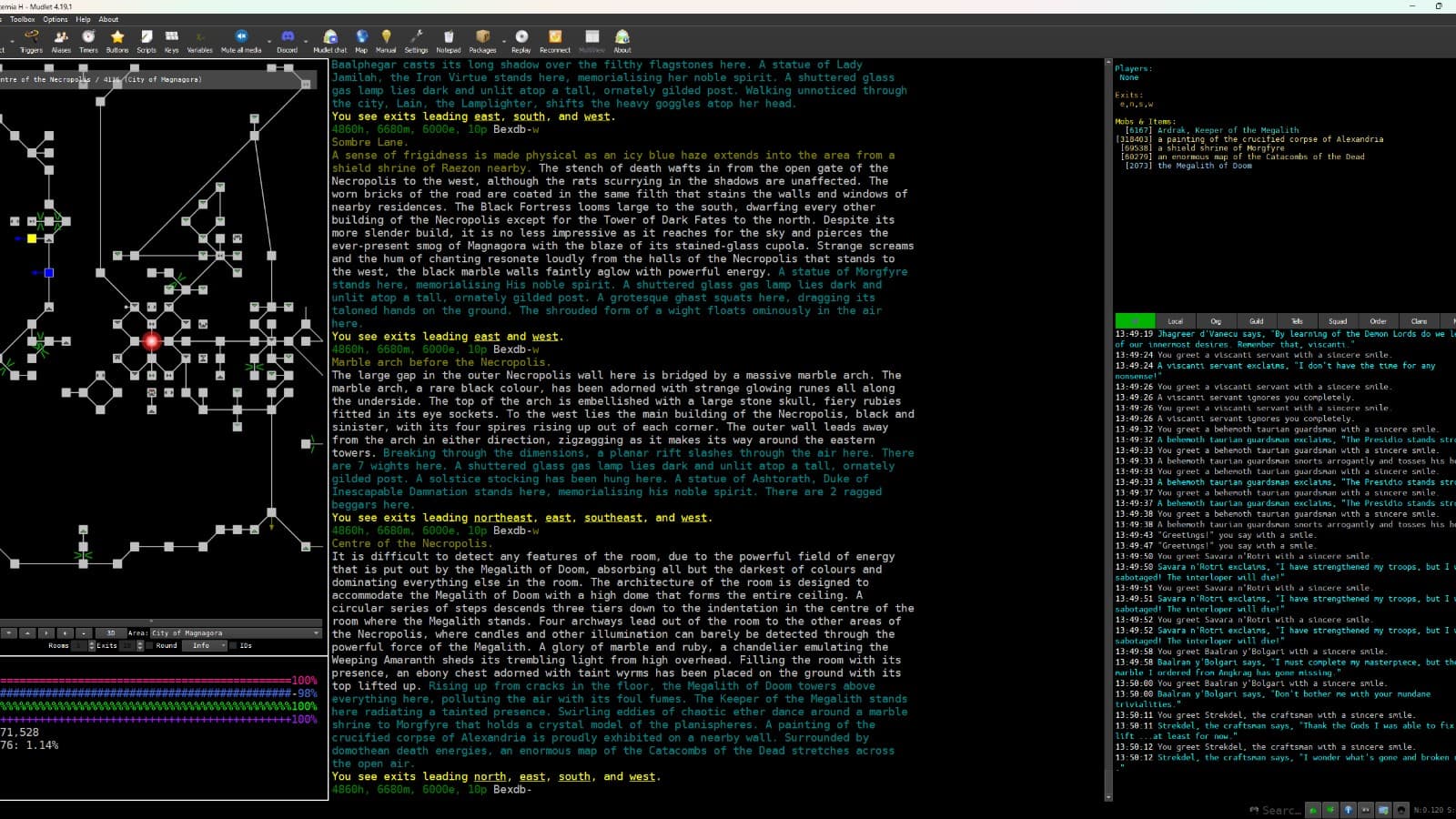

Cool things you can make
School pages
A page per school: clubs, benefits, signup steps and FAQs parents actually ask.
City and event pages
Holiday camps, tournaments and open days with schedules, pictures and calls to action.
Pages AI apps can read
Clean titles, summaries and FAQ sections that show up in search, llms.txt and link cards.
How you go live in three steps
Draft it
Pick sections, write one language, add pictures with alt text.
Preview it
Open the admin preview link and read it like a parent would.
Publish it
Publish complete languages; keep editing the working copy any time.
Questions Mikko might ask
Do I need pictures to publish?
No. Pictures are optional, but when you add one it needs alt text in every language before that language is complete.
What happens when I edit a live page?
Edits save to the working copy only. Readers keep seeing the old version until the next publish.
Can a page be in many languages?
Yes. Add English, Finnish, Swedish, French or Klingon one at a time. Only complete languages go live.
Ready to try one, Princi-Pal?
Tell the admin what school, city or event page to build next.
Visit School of Gaming(opens in a new tab)